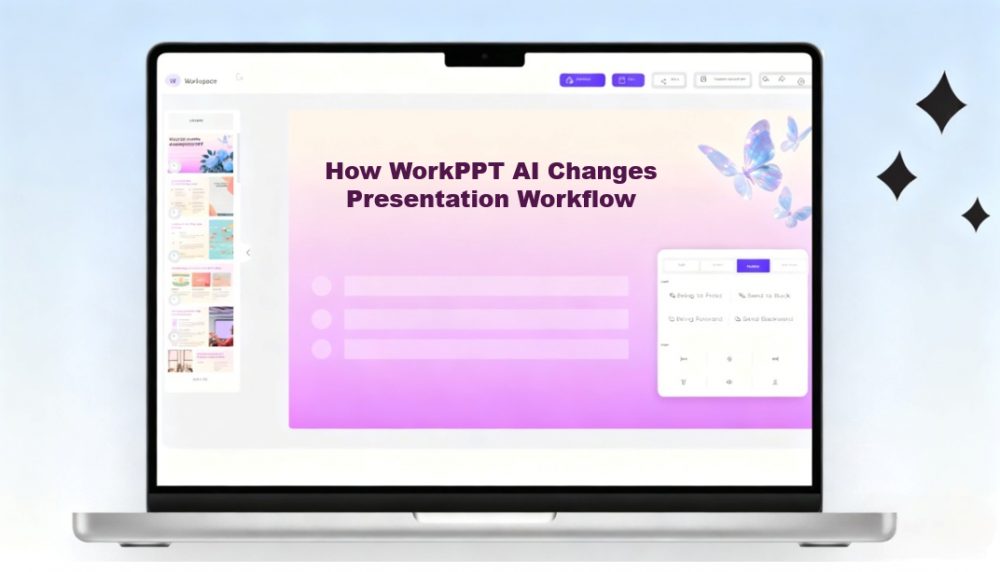
Stop Design Manually: How WorkPPT AI Changes Presentation Workflow
Creating a polished presentation is supposed to help you communicate ideas—but the process often becomes the biggest obstacle. Instead of focusing on content, we get stuck choosing layouts, adjusting spacing, hunting for images, and fixing design inconsistencies. These small tasks add up, turning what should be a simple presentation into hours of tedious work.
WorkPPT makes this process much easier. It uses AI to take over the complex process: organizing content, designing layouts, and keeping everything visually consistent. You don’t need design skills or templates—just your ideas. With WorkPPT, you can spend more time thinking and presenting, and far less time formatting.
WorkPPT Solution: From Idea to Done in Minutes
The core feature of WorkPPT is the AI Slides Generator. It promises to turn your ideas into complete slides in seconds.
Step 1: Tell the AI What You Need
The process starts simply. You don't need a massive, detailed outline. You can begin with a simple prompt, or you can upload an existing file, such as a long Word document or a text file.
For example, you might simply type: “A presentation on Q3 sales performance with a focus on marketing channels.”
Step 2: The Magic of AI Generation
This is where WorkPPT AI PPT saves you hours. The AI does three major things at once:
- Structure and Outline: It instantly analyzes your topic and provides a professional, logical slide structure. It knows that a sales report needs an executive summary, a data breakdown, and a future outlook.
- Content Drafting: It fills the structure with text, ensuring the language is appropriate for the business or educational context.
- Visual Design: This is the most crucial part. The AI designs a complete and visually appealing presentation. It applies a consistent layout, chooses modern fonts, and finds relevant images and charts that fit the content and tone.
In just a click, you have a complete deck: outline, text, images, and layout—all done.
Step 3: Refine, Not Rebuild
The AI gives you a strong draft, but your personal touch is still needed. WorkPPT is fully customizable. You can:
- Edit the content freely, changing font size, color and so on.
- Swap out visuals or add your own company logo and screenshots.
- Add animations to specific elements to make the presentation more dynamic.
- Insert rich media like videos or audio to make your presentation more engaging
Step 4: Finalize and Share
When finished, you can export your deck to PPTX, PDF, PNG, JPG, or as a Link. The output is fully compatible with PowerPoint and Google Slides.
Beyond the Slides: A Suite of AI Tools
WorkPPT is not just a design tool. It also includes powerful AI features that help you handle more tasks with less effort.
- AI Summarizer: Quickly condenses long articles, reports, or documents into concise summaries so you can grasp the key points without spending hours reading.
- AI Mind Map: Automatically organizes scattered ideas, notes, or complex information into clear mind maps, helping you structure thoughts, plan projects, and understand topics at a glance.
- AI Chat: Think of this as your virtual tutor. You can use the AI Chat to get answers, find quick inspiration, or refine complex phrasing before adding it to your slides.
- AI PDF Tools: Merge, split PDF, convert to image, add watermark and stamp on PDF in one click.
Tailored for Every Professional
With over 5,000 professional templates, WorkPPT is capable of producing customized, high-quality slides suitable for use across various industries.
- For Business: Need to deliver a polished client deck or an internal board report quickly? WorkPPT ensures high professionalism without taking up all your preparation time.
- For Educators: Teachers and students can generate lesson slides and study summaries easily, removing the design hassle so they can focus on learning.
- For Content Creators: Scripts and articles can be transformed into visually engaging slides for use in videos, tutorials, or social media posts, saving a tremendous amount of time in content repurposing.
Conclusion
WorkPPT is the modern way to get a professional presentation done. It is not just about making slides faster; it is about working smarter. Instead of wasting time on formatting, layouts, and other design tasks, you can focus entirely on your message and how you deliver it. Stop designing manually and focus on your presentation!