AI video is moving quickly, but better results still come from careful testing. A simple checklist can help creators judge whether a model is ready for real work, not just impressive demos.
The first few minutes with any AI video tool can be misleading. A clip may look polished on a phone screen, yet still fail when it is used in a campaign draft, tutorial, product page, training video, or social post. The movement may drift. The product may change shape. The scene may look good, but not communicate the right idea.
That is why creators and teams need a practical way to evaluate new AI video systems. The question is not only whether a model can generate a good-looking clip. The better question is whether it can support a repeatable workflow: brief, reference, generation, review, revision, and final use.
With Seedance 2.5 now available, many creators are paying closer attention to what should be tested first. The platform is associated with longer single clips, higher-resolution output in supported workflows, multimodal reference inputs, and more controlled refinement after generation. Those capabilities are useful, but they should be judged through real creative tasks rather than headline claims.
Start With the Job, Not the Demo
A strong AI video test begins with a clear job. For example, a creator may need a 20- to 30-second product teaser, a short explainer draft, a social intro, a visual background for a presentation, or a storyboard-like scene for a marketing concept.
Each of those jobs has different success criteria. A product teaser needs visual consistency and room for text. An explainer needs clear movement and timing. A brand video needs stable color, tone, and composition. A short social clip needs a strong opening frame and a clean ending.
If a test only asks the model to “make something cinematic,” the result may be attractive but hard to evaluate. A better test uses a simple brief: what the video is for, what must stay consistent, what references should guide the scene, and what the final clip should help the creator decide.
Test Reference Handling Early
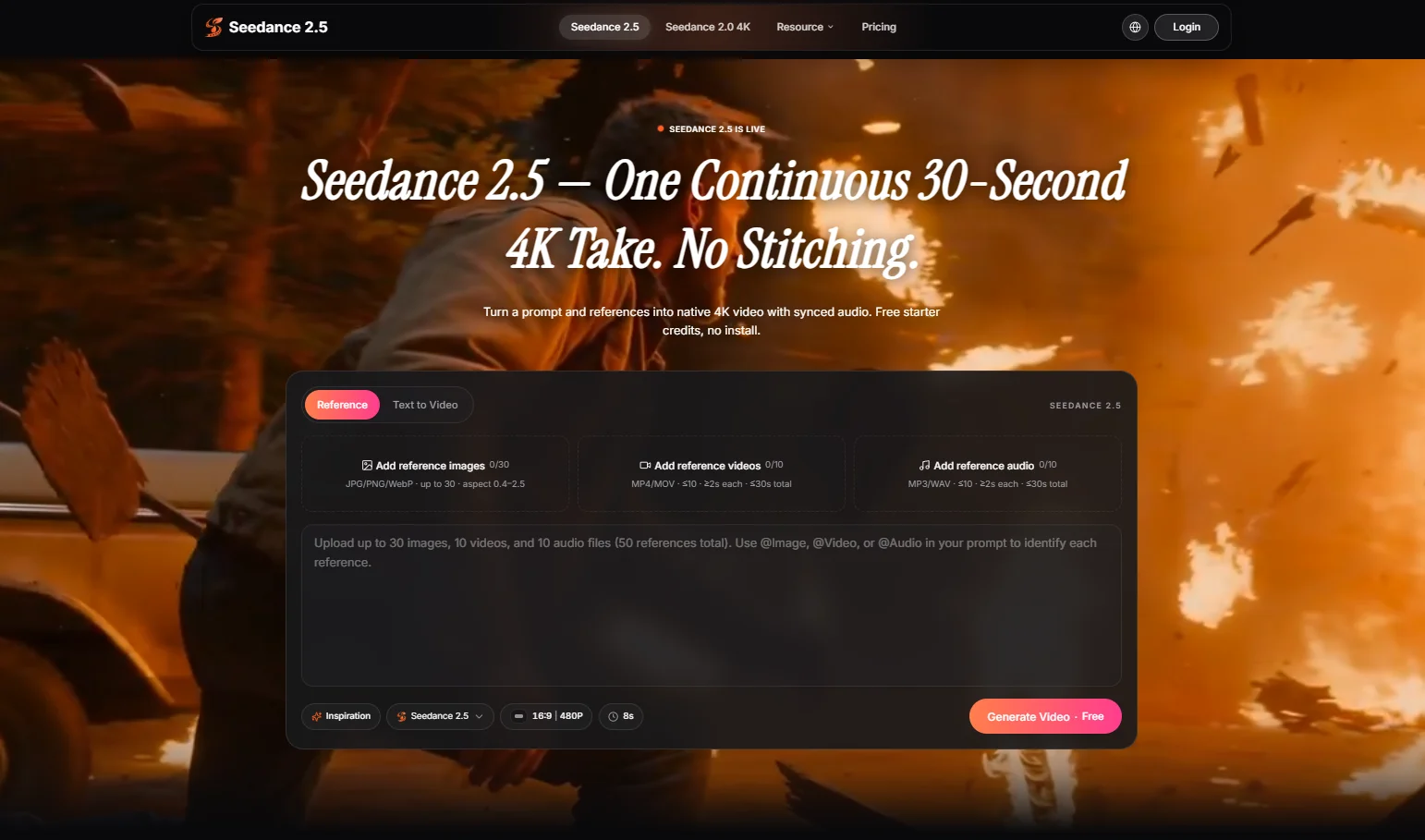
Reference-based creation is becoming one of the most important parts of AI video. Text prompts are useful, but they do not always carry enough detail. Images, short clips, audio cues, and prepared visual notes can make the model easier to direct.
For a practical test, creators can gather a few approved materials before generating: a product image, a mood board, a background style, a camera movement reference, or a short rhythm note. The point is not to overload the model. The point is to see whether references help the output stay closer to the intended direction.
Check Duration and Pacing
Short AI clips can be useful for visual experiments, but many real content tasks need more breathing room. A scene may need a beginning, a small visual change, and an ending frame that can be reviewed or edited later.
When testing Seedance 2.5, creators should look beyond the first frame. Does the scene have a clear opening? Does the motion develop naturally? Is there enough time for the idea to land? Does the final frame leave space for a title, caption, product name, or transition?
These questions matter because pacing is often where AI video stops being a novelty and starts becoming useful. A clip that looks beautiful for three seconds may not work as a complete draft. A slightly calmer video with better structure may be more valuable for real production.
Review Visual Consistency
Consistency is one of the easiest problems to miss during a quick preview. A product may look correct in the first frame and then change shape. A background may shift in a way that distracts from the message. A camera move may feel dramatic but make the scene hard to use.
A good test should include at least one asset that needs to remain stable. It might be a package design, a graphic element, a room layout, a logo-like shape, or a simple object. The creator should then review whether that element stays recognizable throughout the clip.
This is especially important for teams using AI video in business, education, training, or brand content. The output does not need to be perfect on the first try, but it must be clear enough to guide the next creative decision.
Look at Editing Practicality
AI video is rarely a one-click final asset. In most workflows, it becomes a draft that is trimmed, captioned, combined with other material, or used as a reference for later production. That means creators should test how easy it is to revise a result.
Can the prompt be adjusted without starting from a completely different idea? Can the creator refine a scene after seeing what worked and what did not? Can the output be reviewed by a team without confusing the original brief?
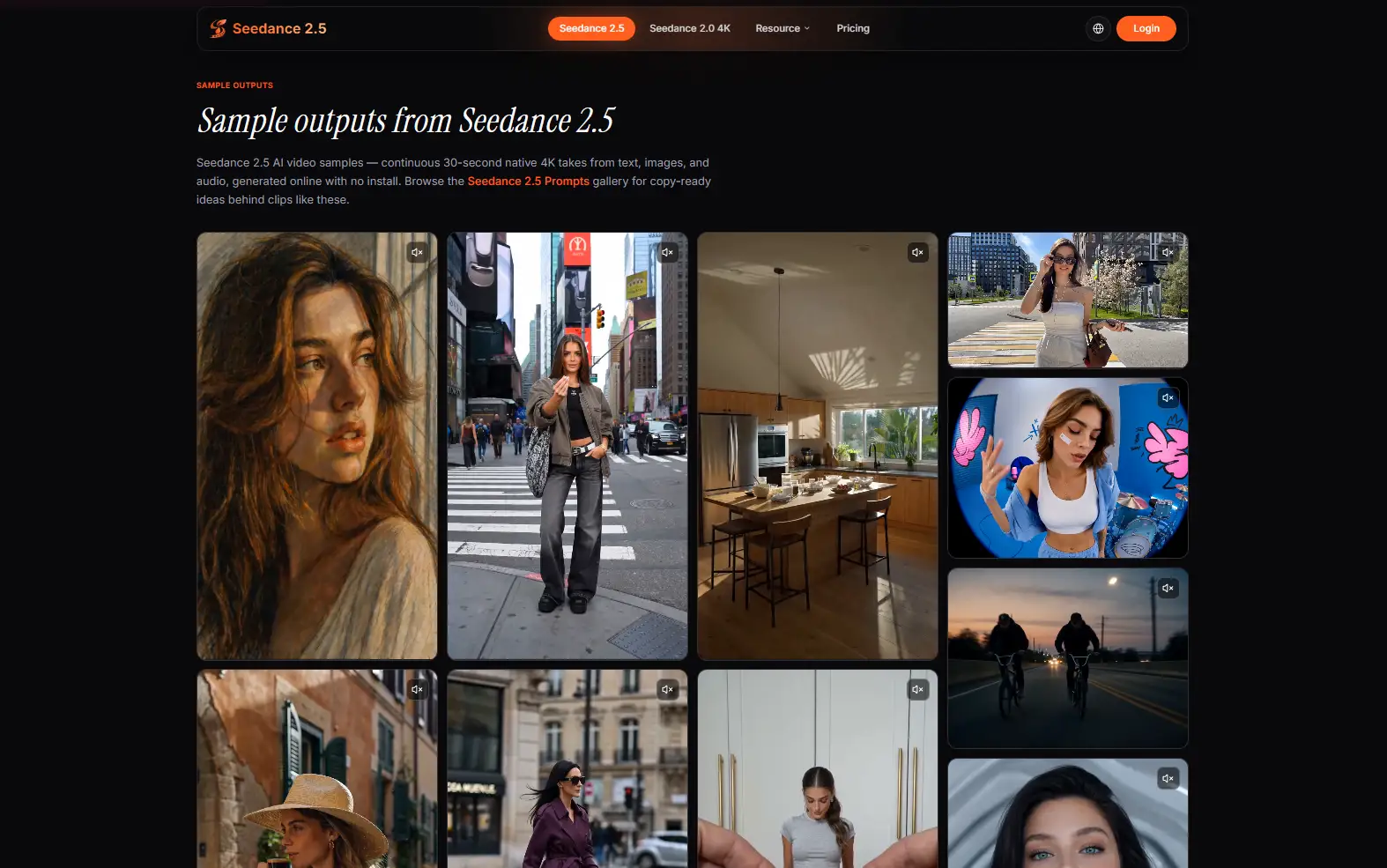
This is where a Seedance 2.5 testing checklist becomes useful. It helps teams compare results across several prompts instead of relying on memory or first impressions.
A Simple Checklist for First Tests
Creators do not need a complicated scoring system. A short checklist is enough for the first round:
- Does the clip match the original brief?
- Do key objects or visual details remain consistent?
- Does the motion support the story rather than distract from it?
- Is the clip long enough to carry the idea?
- Can the result be revised with a clearer prompt or better references?
- Would the output be useful as a draft, storyboard, social concept, or planning asset?
Teams can also add their own review rules. A marketing team may care about brand colors and product framing. A teacher may care about clarity and pacing. A creator may care about mood and camera movement. The checklist should match the real use case.
Keep the Workflow Human
The best AI video workflows still depend on human judgment. The tool can generate motion, but people decide what is appropriate, accurate, original, and useful. That includes checking whether assets are approved, whether the message is clear, and whether the final clip should be published, revised, or discarded.
This human review step is not a weakness. It is what makes AI video practical. A model can speed up visual drafting, but it should not remove planning, taste, or responsibility from the process.
Final Thoughts
Seedance 2.5 is part of a broader shift in AI video: from short prompt experiments to more structured creative workflows. Its value will depend on how well creators test it against real tasks, with clear briefs, useful references, careful review, and realistic expectations.
For teams trying AI video now, the smartest first step is not to generate the flashiest clip. It is to build a repeatable testing process. When the brief, references, motion, pacing, and review criteria are clear, AI video becomes easier to judge and much easier to use.